

Getting the following error and having trouble resolving the issue?
“Failed to open scheduler log. Error occurred while loading scheduler log file.”
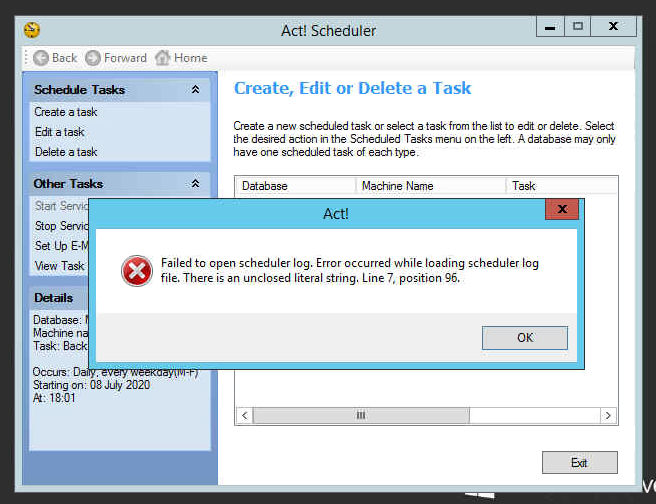
Under the menu ‘Other tasks’ click ‘Stop Service’ then
Browse to c:\programdata\act\act data

Rename ‘SCHEDULER_LOG’ TO ‘SCHEDULER_LOGOLD’

Now in the task scheduler click ‘Start service’ from the ‘other tasks’ menu.
Now you will be able to open and view the task log.

Leave a Reply