
How to access your email account from Plesk Webmail?

Contents

    You can access your Email account directly from Webmail.


    Open https://webmail.example.com, replace example.com with your domain name and enter your full email address and password in the user login details. Click the Login button afterwards.
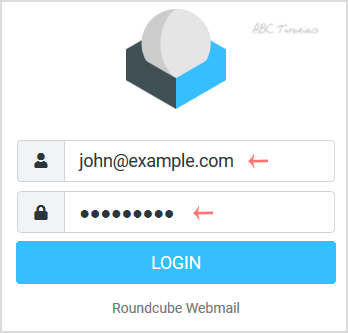
    After successful login, your email will open, and you can check or manage it.

    Updated on December 11, 2020
    Was this article helpful?

    One response to “How to access your email account from Plesk Webmail?”

    1. Besnik Hoxha Avatar

      Nice, webmail from the panel is handy when my phone app acts up.

    Leave a Reply

    Your email address will not be published. Required fields are marked *